project request form

Overview
To streamline and modernize how project requests were submitted and tracked, I rebuilt the entire Project Request Intake Form system our team relies on from the ground up. The previous process was fragmented, difficult to manage, and tied to an Airtable account that was being decommissioned. My solution not only recreated but improved the entire intake experience by introducing advanced automation, cleaner communication, and flexible ownership, making it scalable for future project management needs.
STEP 1: Problem & Solution
STEP 2: Impact
STEP 3: In Depth Process
STEP 4: Technical Highlights
PART 5: Reflection

PRoblem
Previously, project requests from Alumni Relations and various campus partners were submitted through an older Airtable form primarily managed by a single project manager on my team.
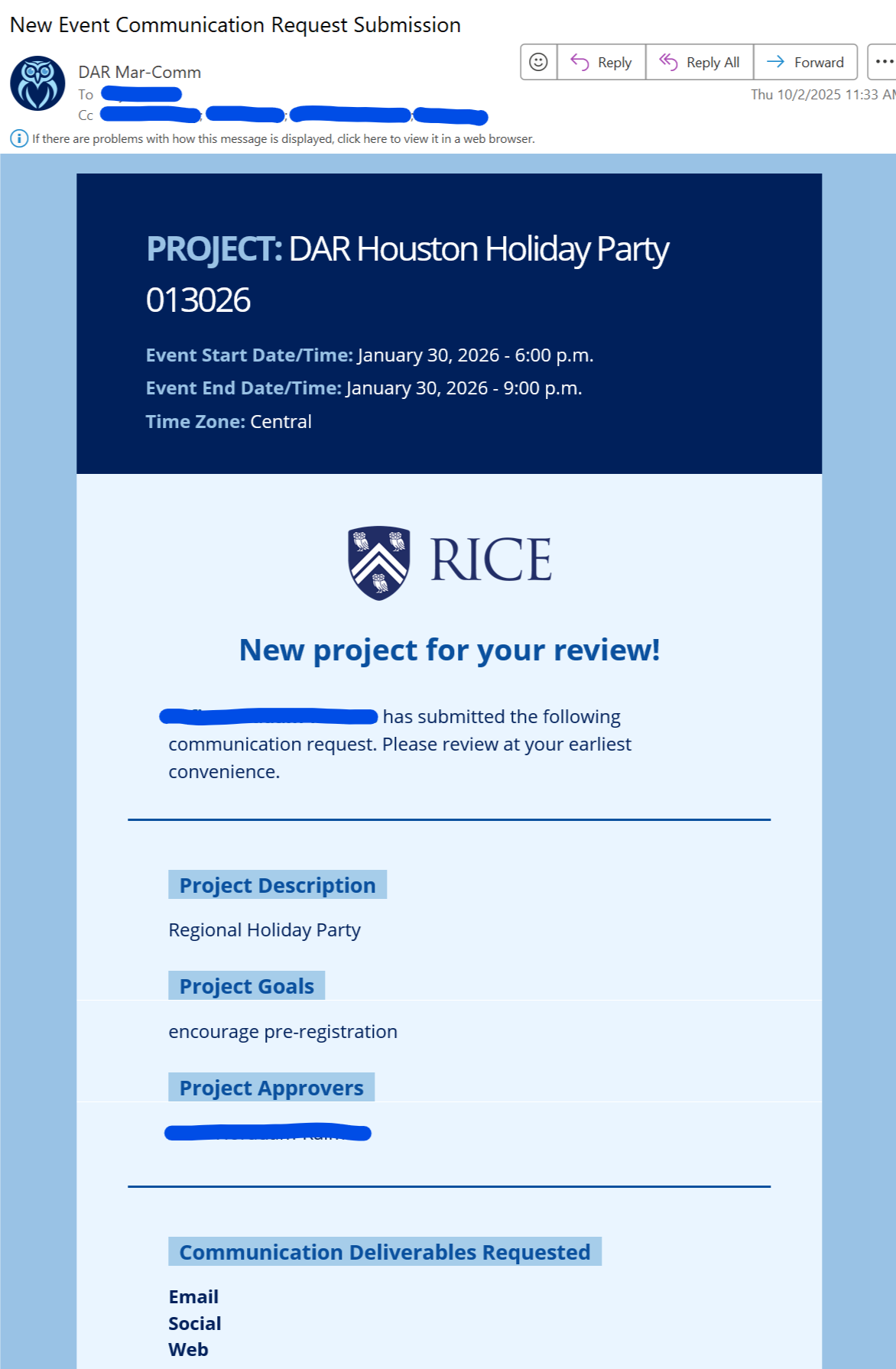
The Airtable base relied on native email automations that sent unformatted and difficult-to-follow project details to project managers and requestors.
Logic for each email type was hardcoded, with separate paths for event projects (which include details like audience, cost, date, and location) and general communication projects (focused on goals and messaging). The same applied to routing rules for Alumni Relations versus other campus partners, which determined which project manager received each request.
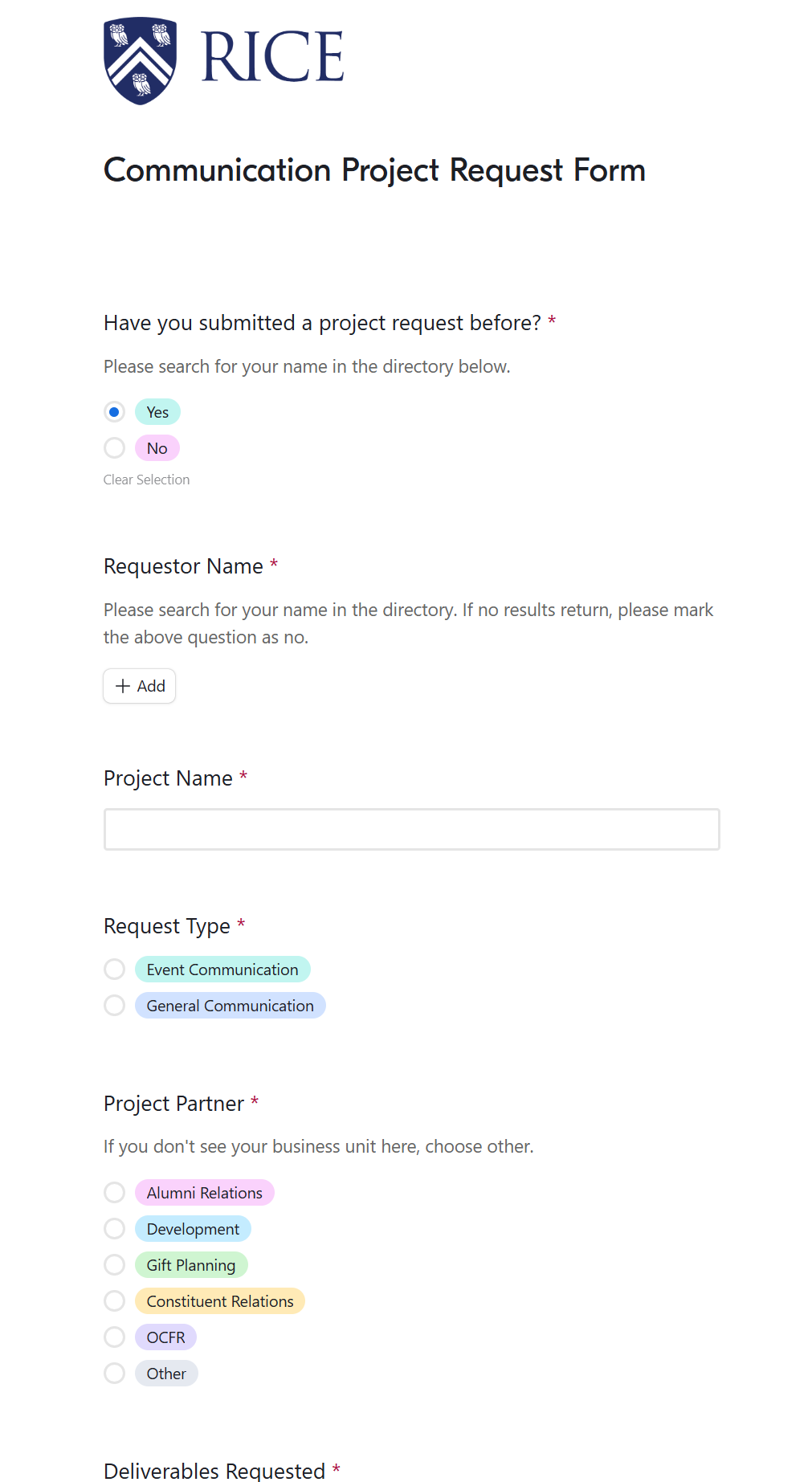
There was no centralized directory to store requestor info or a reliable way to ensure all necessary information was captured before a project began.
The Airtable account that hosted the system was about to be retired, putting the entire workflow at risk.
This situation forced a complete rebuild, but it also created an opportunity to design a smarter, more organized system that our team could fully own and maintain.
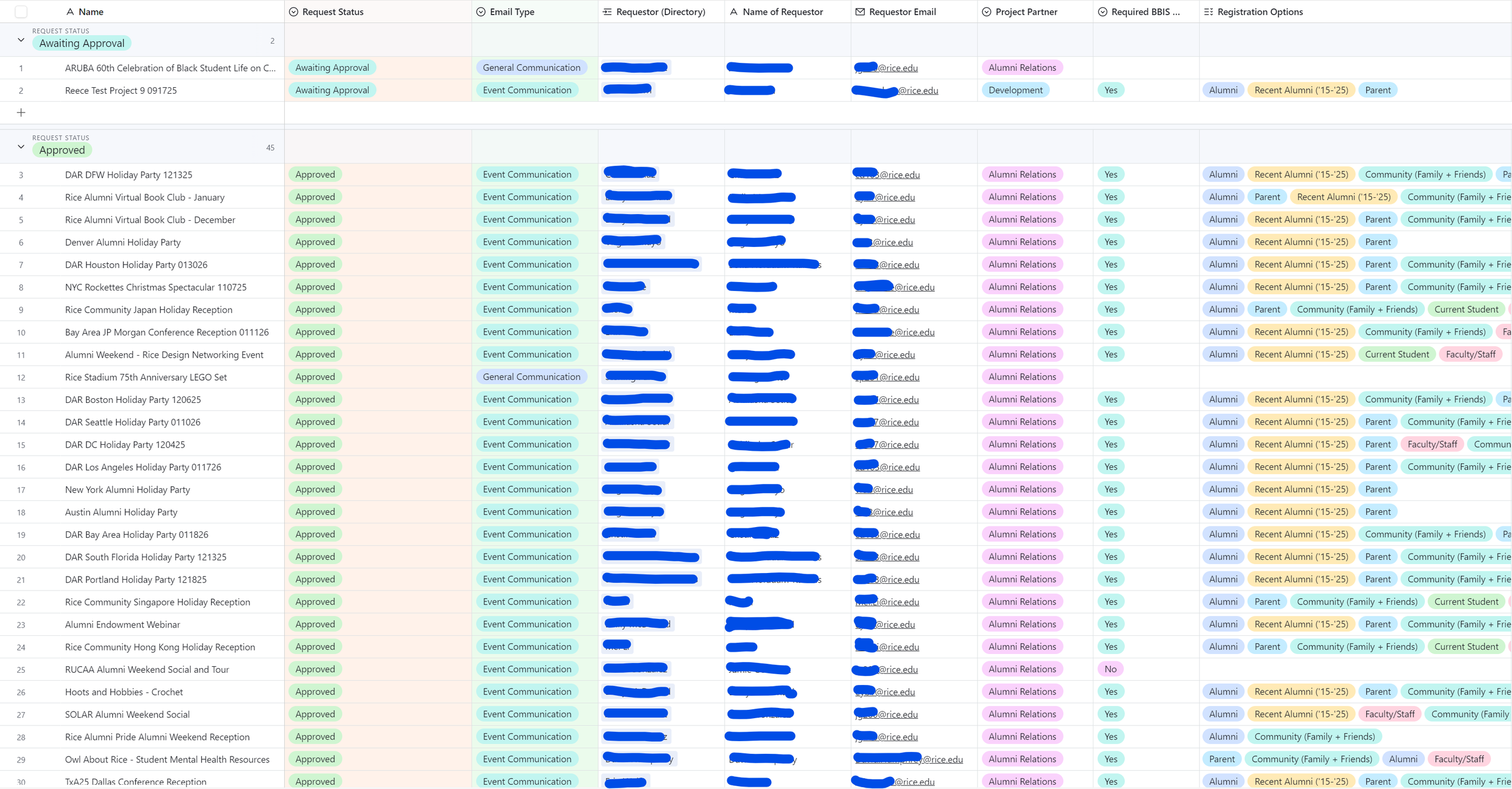
Solution
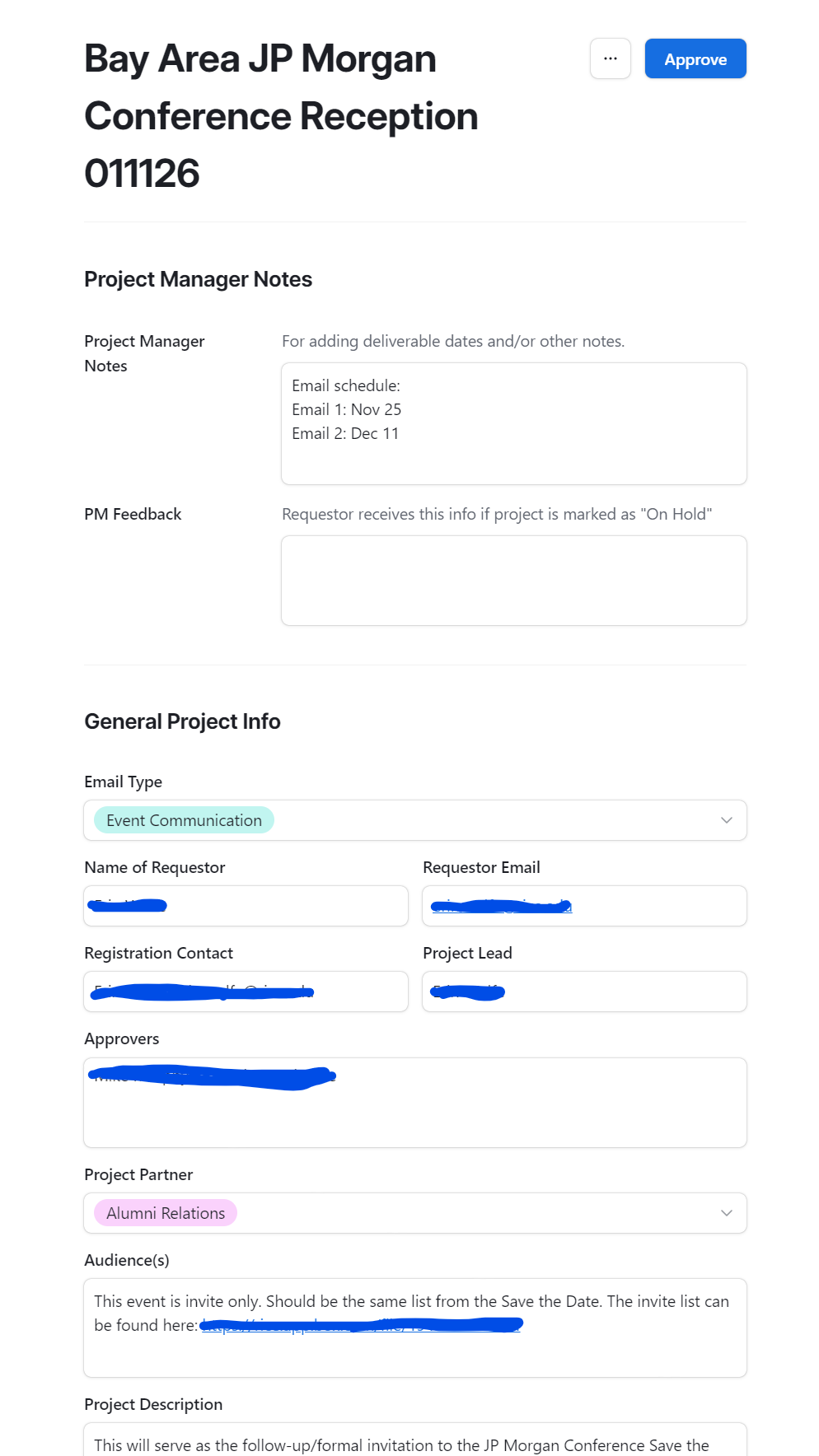
I rebuilt the entire intake system in my own Airtable environment and replaced the old Airtable native automations with Zapier workflows, giving me more flexibility and control over the process. This new setup not only recreated the old functionality but expanded on it to make the system more dynamic, easier to maintain, and significantly more polished.
Key improvements included:
Dynamic Routing: Each project request is automatically assigned to the correct project manager based on both project type and partner, ensuring requests always reach the right team without manual sorting.
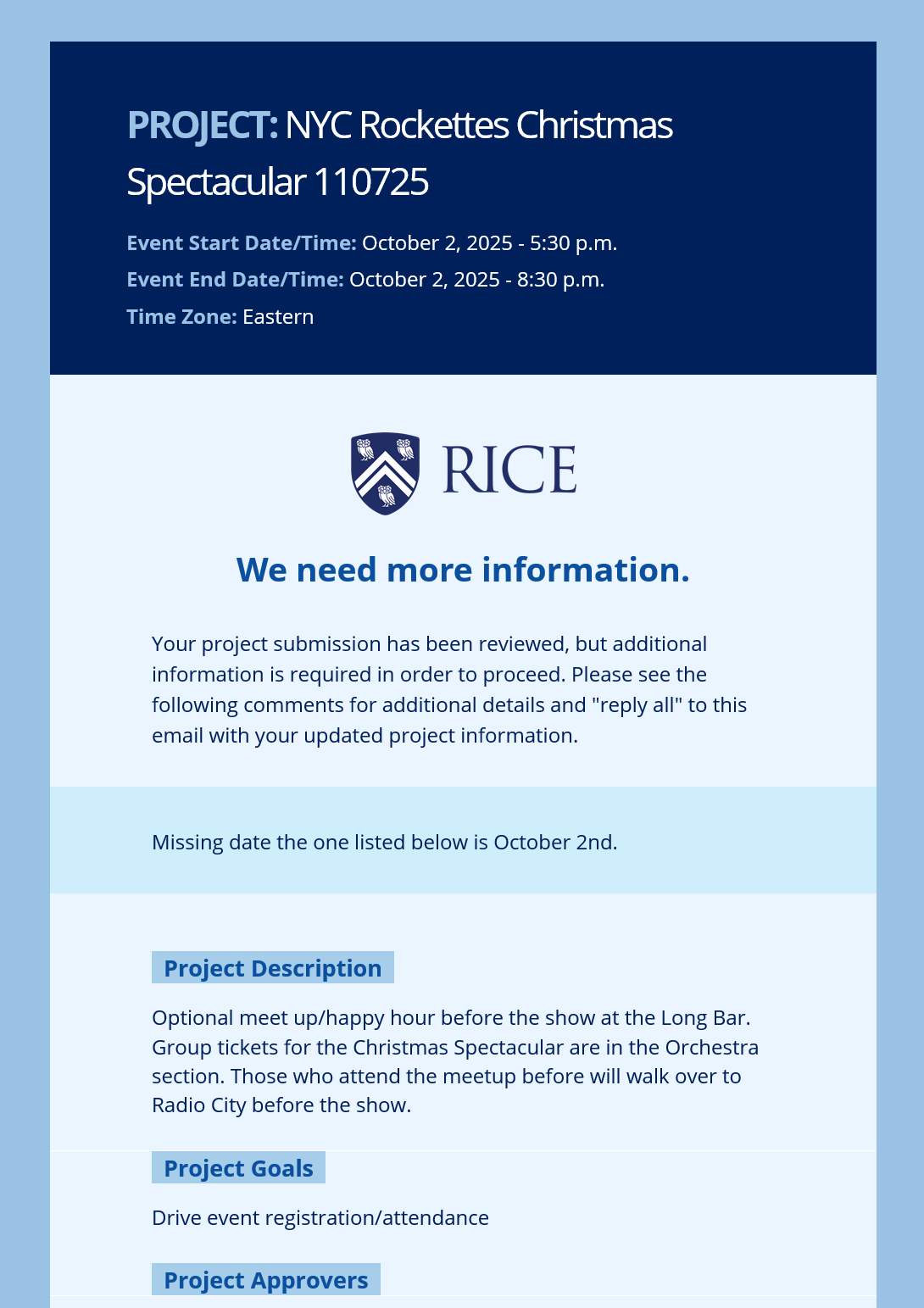
Structured Communication: Automated, well-formatted emails go out at each stage of the process, including confirmations, rejections with feedback, approvals with send dates, and reminders for pending information.
Integrated Directory: When someone submits a request, the system checks whether they already exist in the directory through a linked record. If not, their information is added automatically, keeping the contact list complete and up to date.
Reminder System: If a request remains on hold for more than three days, an automated reminder is sent to the requestor prompting them to provide the missing information we had asked for.
Flexible Email Logic: Instead of hardcoding CCs and recipients, the system uses a directory table with role-based tags such as “AR Event Awaiting Approval” to determine who should receive or be copied on each notification.
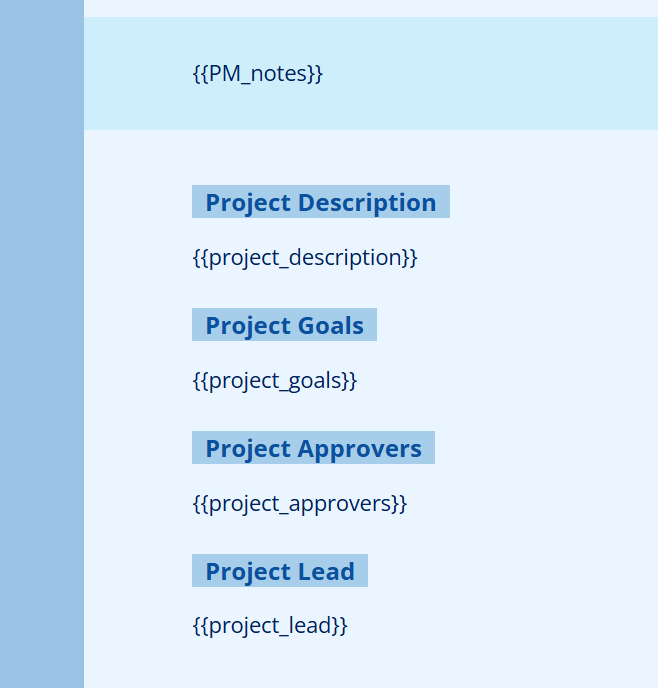
Improved Data Capture: The updated form collects richer information about each project, including goals, descriptions, and other key details that give project managers a clearer understanding of scope and intent.
This rebuild created a far more stable and scalable process that my team fully owns and can adapt to future needs without relying on a single user or account. It also improved visibility across projects, reduced manual follow-up, and made communication with requestors more polished and consistent.
impact
Reduced approval turnaround by automating routing, validation, and feedback loops.
Provided project managers and requestors with real-time visibility into project status through structured, automated updates and organized interfaces.
Improved submission accuracy by enforcing required fields and reducing back-and-forth clarification.
Eliminated bottlenecks by ensuring every request reaches the right team automatically.
Elevated the professionalism of communications, creating a more consistent and reliable experience for campus partners.

In depth process
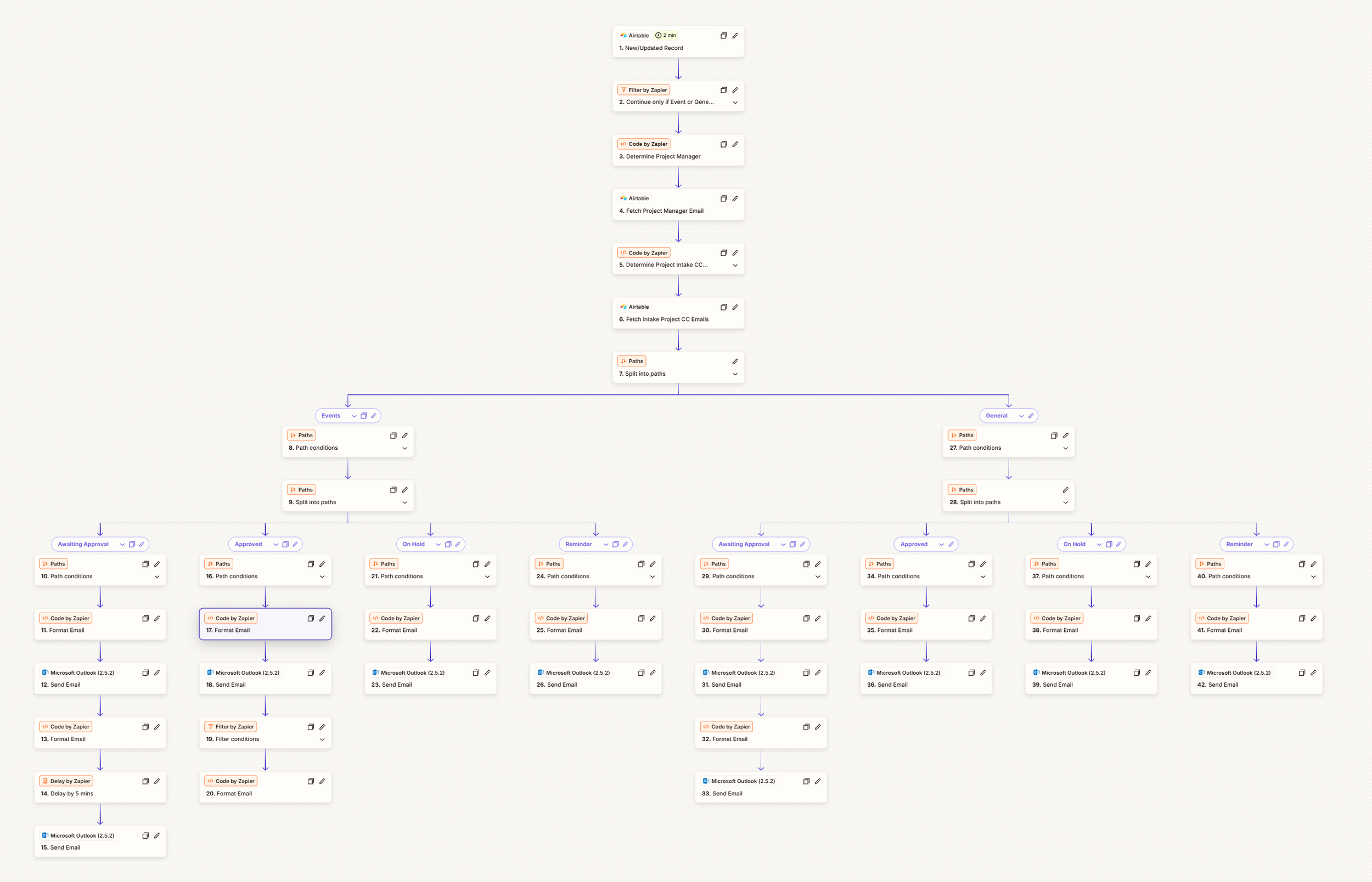
-
When a requestor submits the form with event or communication details, the system validates all required fields and checks the directory for their information. If the requestor is not found, a new directory entry is created automatically.
-
The correct project manager receives a structured “New Submission” email containing all project details, while the requestor receives a confirmation email.
-
The project manager reviews the submission to determine whether additional information is needed. If more details are required, the request is marked as “On Hold,” which triggers an automated feedback email to the requestor.
Once the requestor provides the missing information, the PM updates the record and can then approve it. When a request is approved, notifications are sent to both the requestor and the OwlConnect data team, who create the event registration and walk-in links.
-
After the project manager creates related Teamwork tasks, a digital content specialist drafts the copy and builds the event email for review and scheduling.
Technical Highlights
-
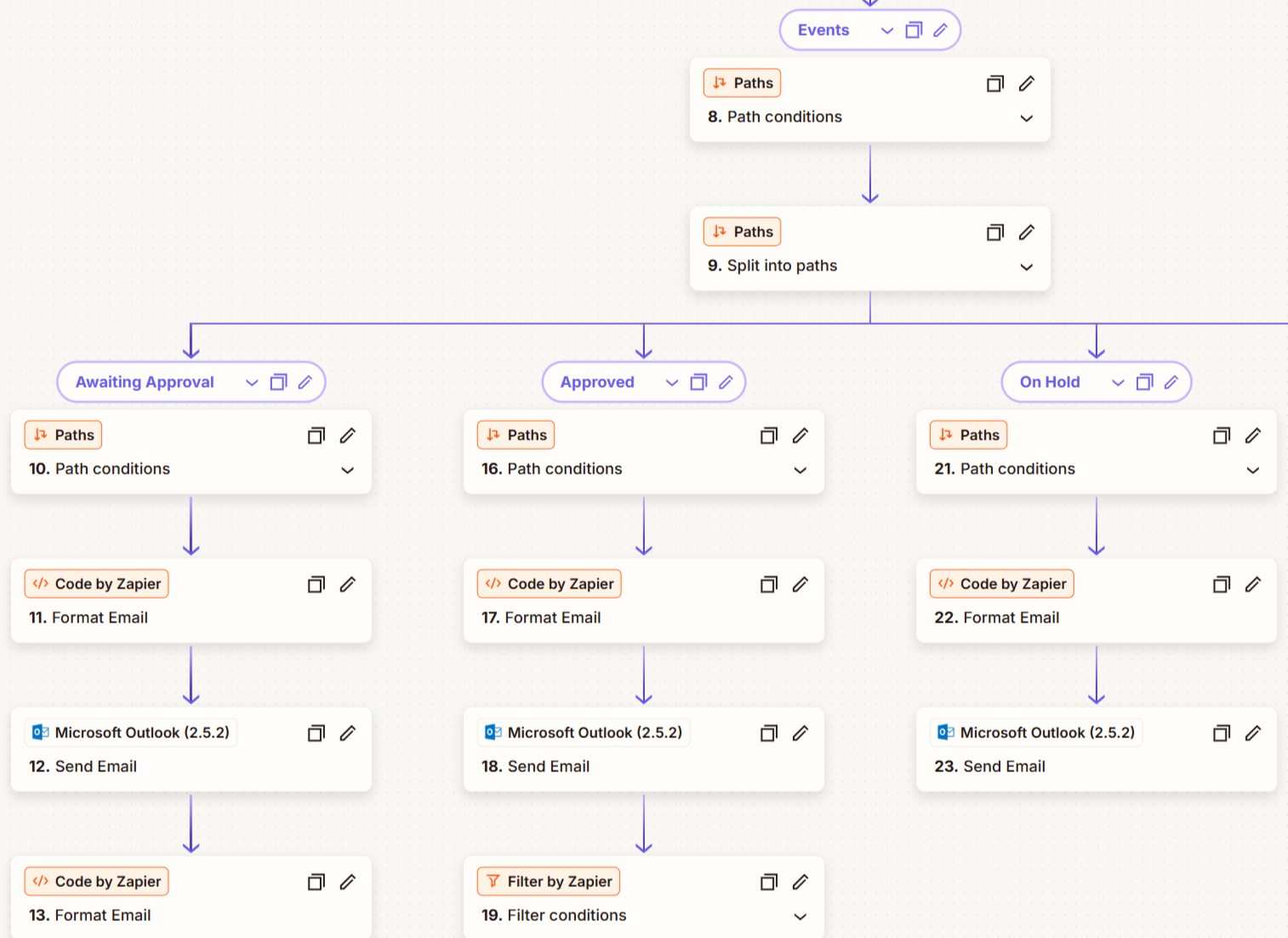
Zapier Integration
Handles the full workflow from intake to notification, including approvals, rejections, and reminders. Each automation is tailored for the project type (event or general communication) and partner (AR or Other).
-
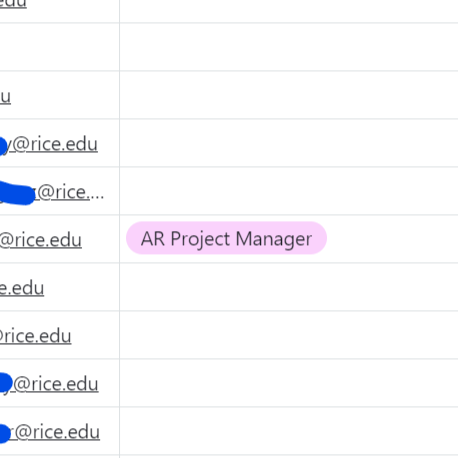
Dynamic Routing
Automatically assigns each request to the correct project manager based on project type and campus partner, eliminating manual sorting.
-
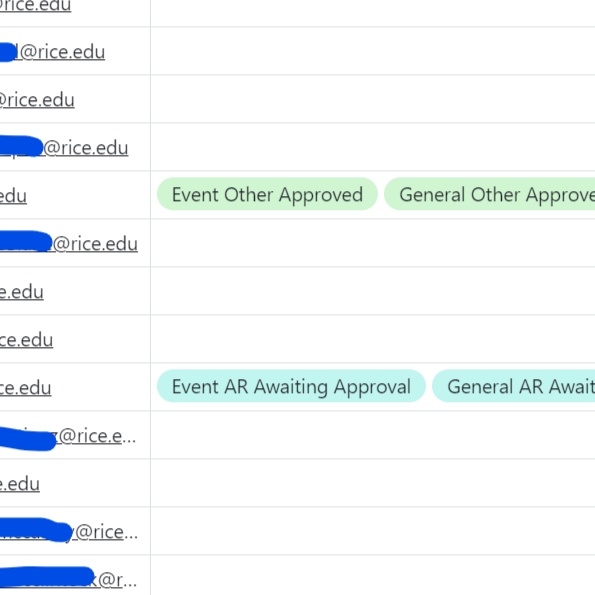
Flexible Email Logic
Uses a centralized directory table with role-based tags, such as “AR Event Awaiting Approval,” to determine who should receive or be copied on each message.
-
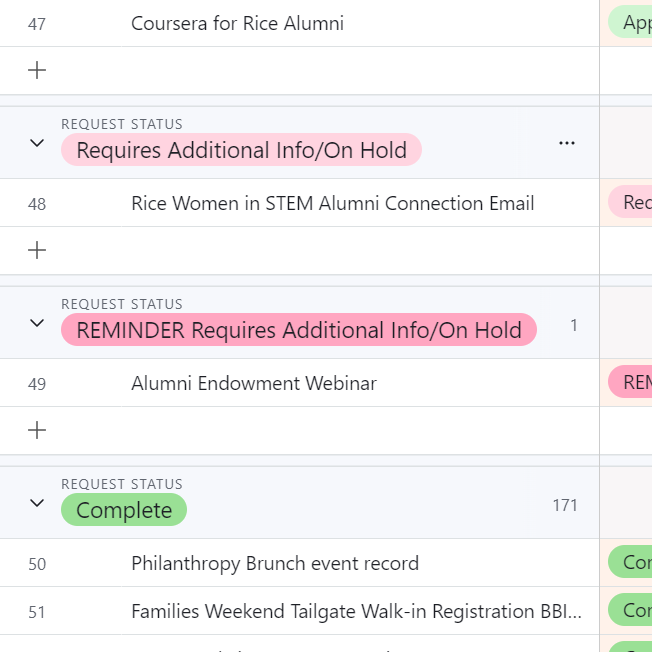
Reminder System
Monitors requests marked as “On Hold” and automatically sends reminders after three days if additional information is still needed.
-
Scalable Logic
Easily updated to include new project types, routing logic, or departments without rewriting automations.
Airtable
Teamwork API
Zapier
JavaScript
Airtable Teamwork API Zapier JavaScript
Reflection
This project established a sustainable communication system that now serves as a central digest for weekly deliverable visibility. By automating how project data flows from Teamwork to Airtable to email, it ensures every team receives accurate, up-to-date information without relying on manual coordination or follow-ups. The framework was intentionally designed to scale, allowing new audiences, editions, or deliverable types to be added without re-scripting or redesigning the process. For us and our partners, Owls Eye View has strengthened collaboration and transparency across teams, giving leadership and project partners a shared understanding of workload, timing, and capacity each week.