owl’s eye view
Streamlining Weekly Projects through Airtable + Teamwork + Zapier Integration

Overview
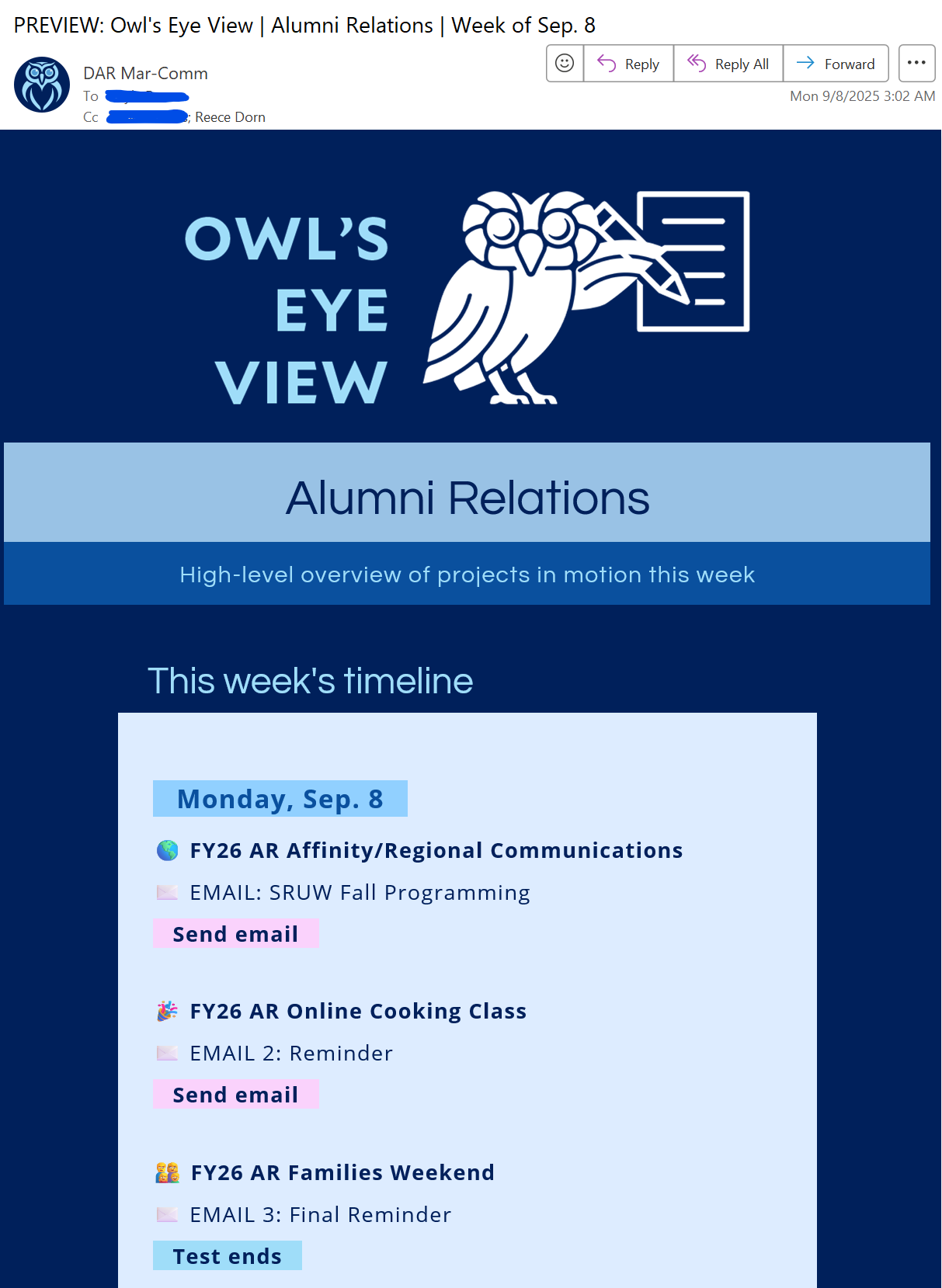
Owls Eye View is a weekly internal digest used within Rice University’s Development and Alumni Relations division to share the status and upcoming phases of active project deliverable creation and testing (emails, webpages, print pieces, social posts, and misc.). The email highlights only the key deliverable milestones relevant to project partners, including QA and testing timelines and the send date.
To streamline its production, I built an automated system that imports the relevant Teamwork tasks (that act as the deliverable milestones) into Airtable, organizes them by project partner and due date, and generates fully formatted preview digests for their corresponding project manager. Each Monday, the system identifies which milestones should appear in that week’s Focus or Main Overview editions, compiles the data, and automatically sends a fully formatted preview email to the corresponding project manager for review.
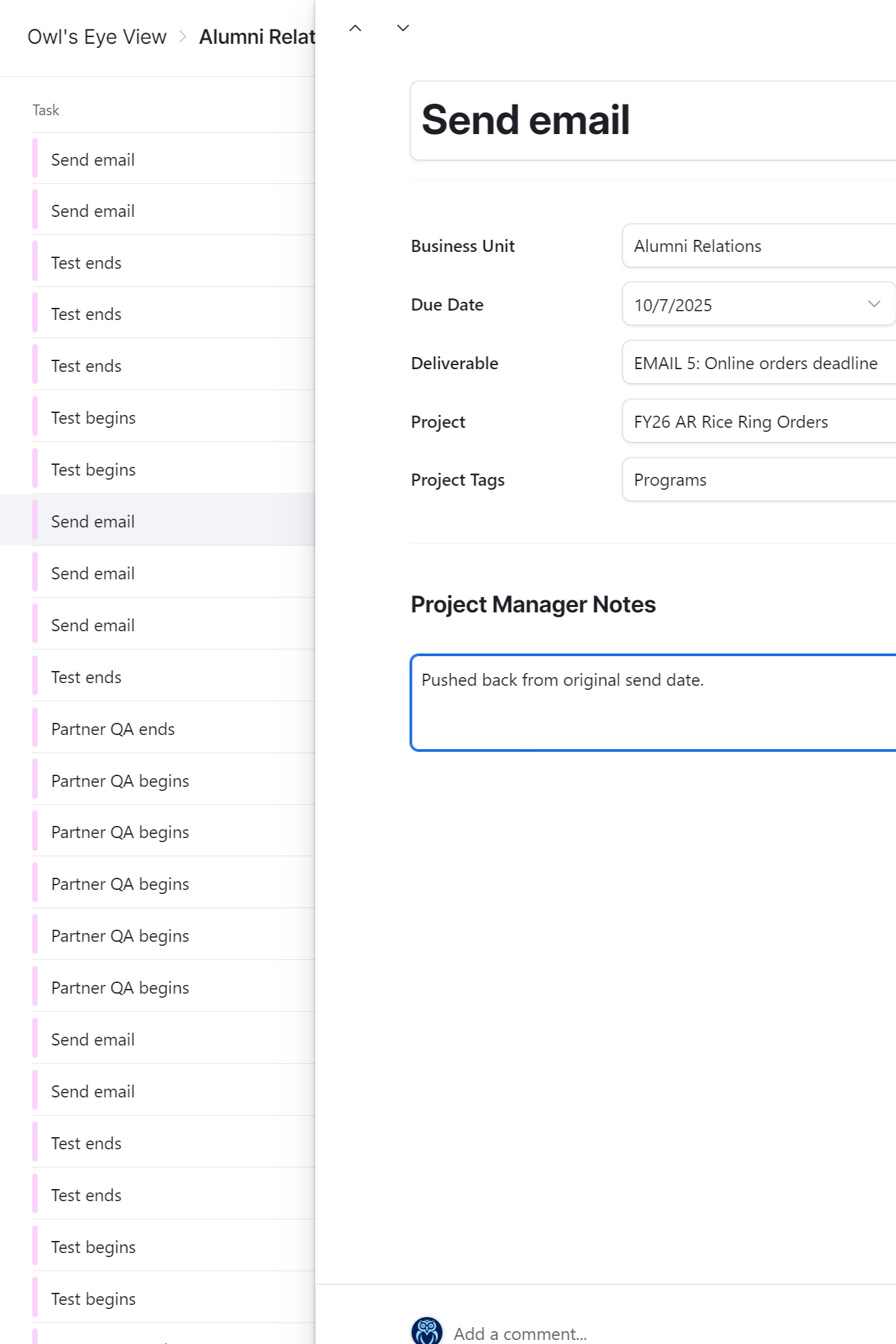
Project managers can then review the milestones as records directly in Airtable, make edits or add notes if needed, and deploy the final digest version once approved, all without labor-intensive data entry. The automation ensures consistent, timely, and professional project communication across departments, requiring only a few minutes of manual work each week.
STEP 1: Import Tasks
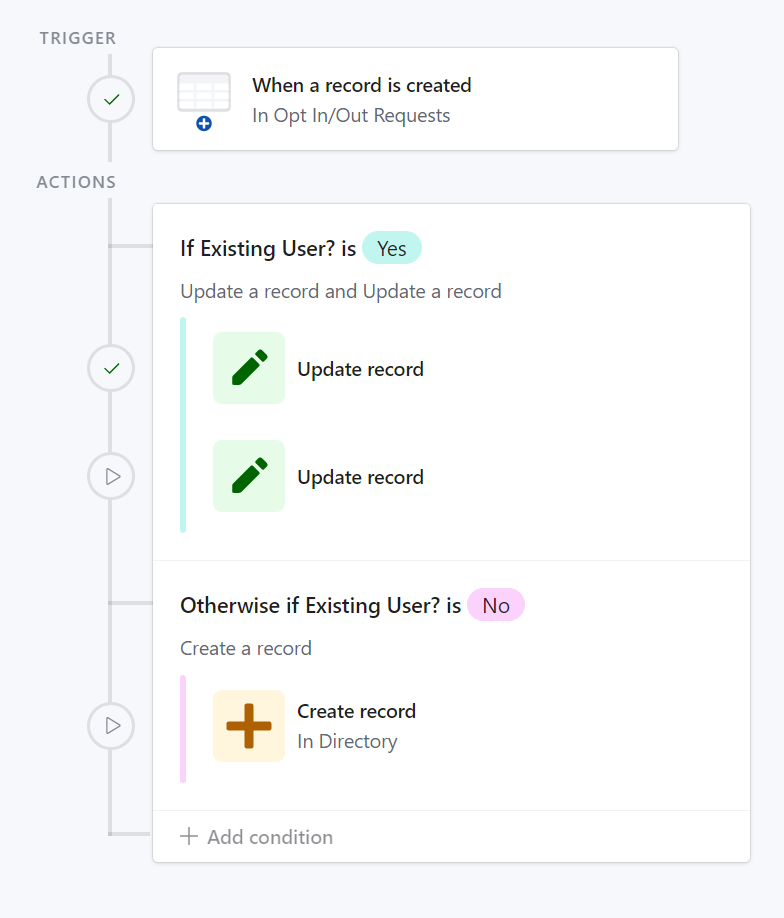
STEP 2: Project Creation and Linking
STEP 3: Record Update (Optional)
STEP 4: Testing
STEP 5: Email Complete
Solution
I developed an automated information workflow utilizing Teamwork, Airtable, and Zapier to manage task organization and generate professional email digests tailored for each type of project partner.
Every Monday morning, the system automatically runs the following sequence:
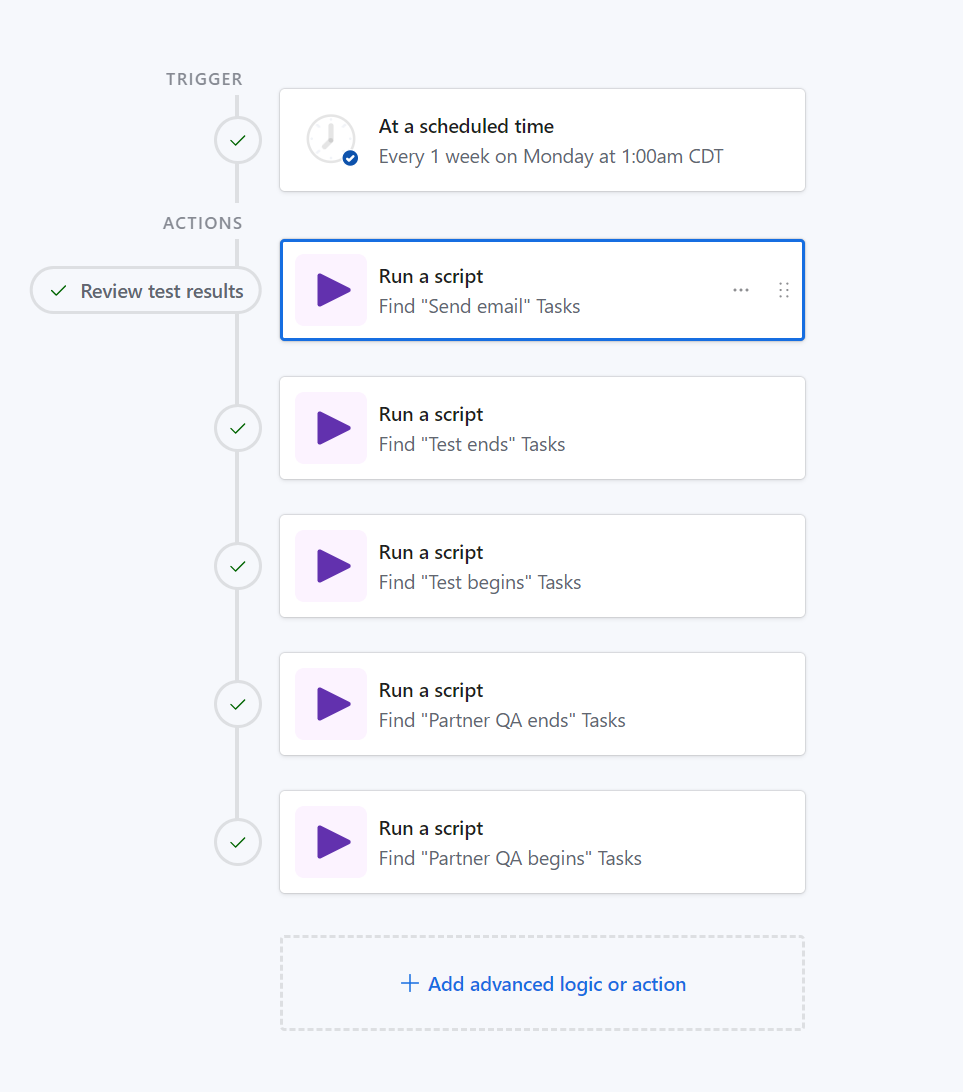
A custom Airtable script calls the Teamwork API to fetch all “QA Begins,” “QA Ends,” “Testing Begins,” “Testing Ends,” and “Email Sends” tasks scheduled for the upcoming week.
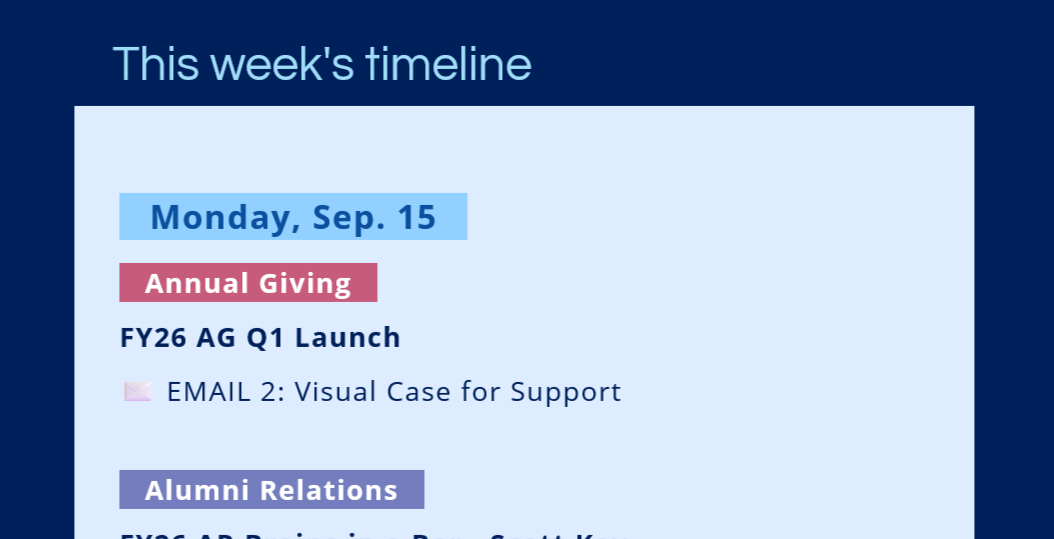
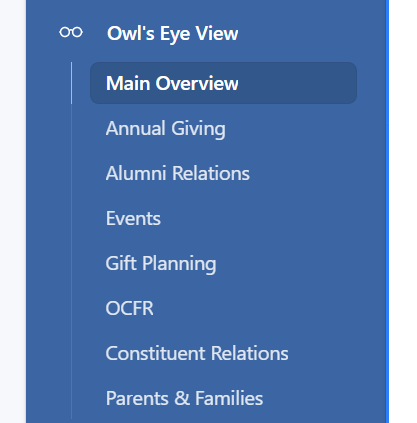
The tasks are filtered and sorted by due date, representing the key milestone dates for each deliverable, then assigned with their corresponding Focus or Main Overview category. The Main Overview is intended for higher up leadership across all departments, only showing folks what is sending that week. The Focus emails are more for conveying each other task’s metadata, such as due date and related project information, is also extracted and organized for display.
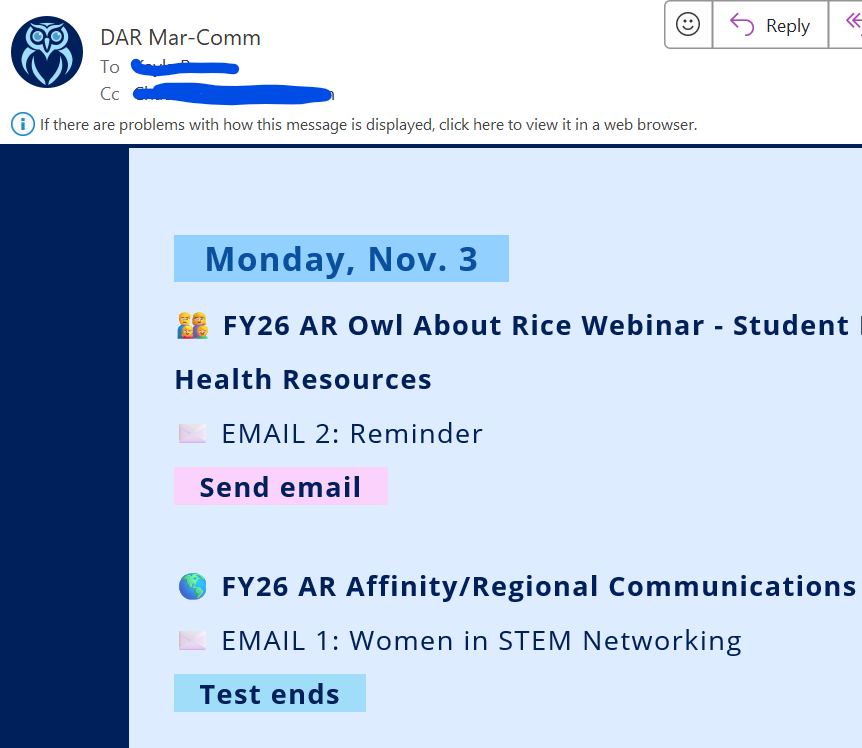
Zapier compiles and formats the data using scripted templates, builds the structure for each preview digest, and sends them directly to the relevant project managers for initial review. These preview emails are identical to what the final audience will receive.
Project managers can add edits or notes directly in Airtable for their particular digest then deploy the final version for distribution. Once deployed, an automated Slack message notifies the project manager group, confirming that the Main Overview or a Focus email is being deployed.
This workflow enables project managers to quickly review, refine, and deploy auto-generated weekly digests, establishing a consistent and reliable communication process that improves cross-departmental visibility and coordination.

PRoblem
Before Owls Eye View, there was no centralized way for teams and partners within Rice University’s Development and Alumni Relations division to see what communications were being sent each week. This lack of visibility limited cross-team collaboration and had potential to lead to overlapping outreach or over-communication with shared audiences.
Individual teams also lacked a clear view of their own upcoming email activity. Without a concise summary of scheduled testing and send dates, it was harder for team members to anticipate priorities and prepare accordingly.
impact
Established a centralized, automated process for weekly deliverable tracking that would otherwise require hours of manual coordination each week. This replaces what would have been a time-intensive effort across multiple teams with a streamlined, fully integrated workflow.
Ensured each publication reflects the most current verified data from Teamwork.
Strengthened cross-team awareness and reduced communication gaps around workload and scheduling.
Created a scalable digest model adaptable to other potential project partner emails at Rice.
In depth Process
-
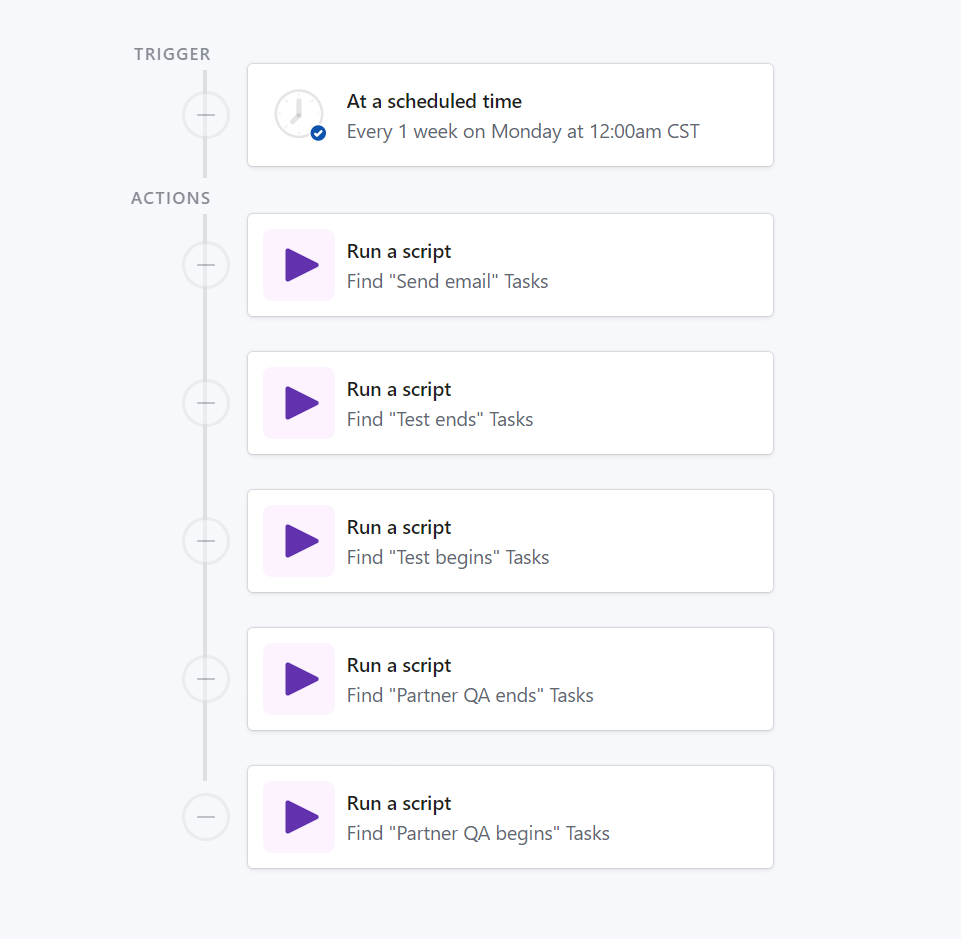
At 1 AM every Monday, a custom Airtable script calls the Teamwork API to collect all deliverable milestones tagged for Owls Eye View — including QA Begins, QA Ends, Testing Begins, Testing Ends, and Send Email tasks.
Tasks are filtered by date range (covering the current week), sorted by due date, and mapped to their corresponding project partner (e.g., Development, Alumni Relations, Annual Giving, etc.).
Formulas and filters in Airtable determine which tasks appear in each email edition, either the Main Overview (for partner leadership) or a Focus edition (for individual teams).
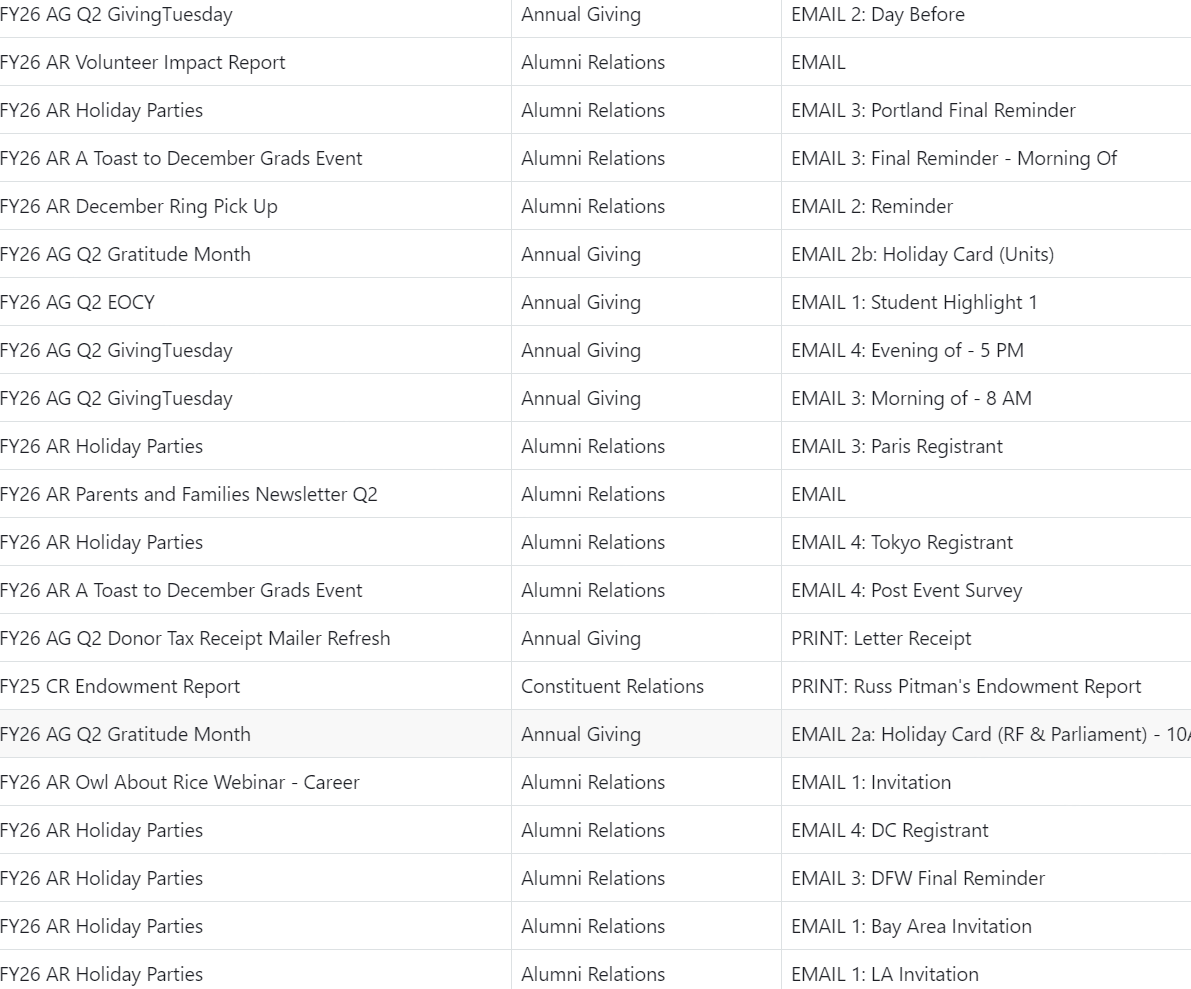
Each task record includes details such as project name, deliverable type, due date, and task notes, all stored within the “Owls Eye View” Airtable table for downstream automation.
Formulas and filters in Airtable determine which tasks appear in each email edition, either the Main Overview (for partner leadership) or a Focus edition (for individual teams).
Each task record includes details such as project name, deliverable type, due date, and task notes, all stored within the “Owls Eye View” Airtable table for downstream automation.
-
Once the data is imported, Airtable automatically organizes it for Zapier email generation.
Airtable formula logic assigns emoji icons to represent each deliverable type and applies color formatting to task names based on phase, improving visual clarity in the digest.
Records are grouped by project partner and arranged chronologically to mirror how they’ll appear in the final digest.
-
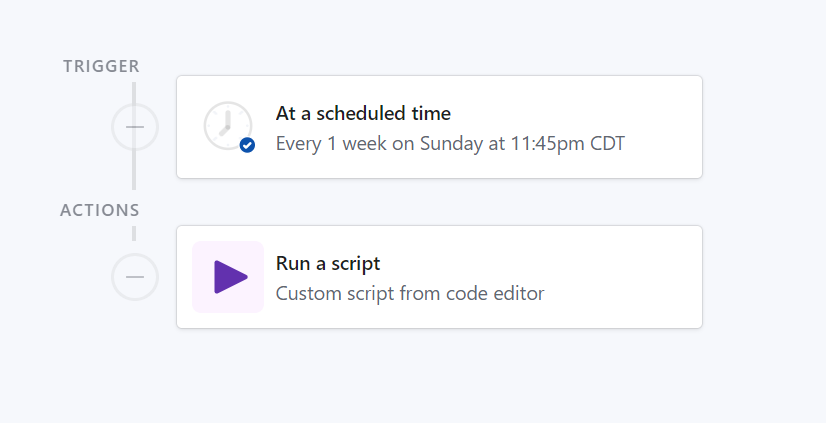
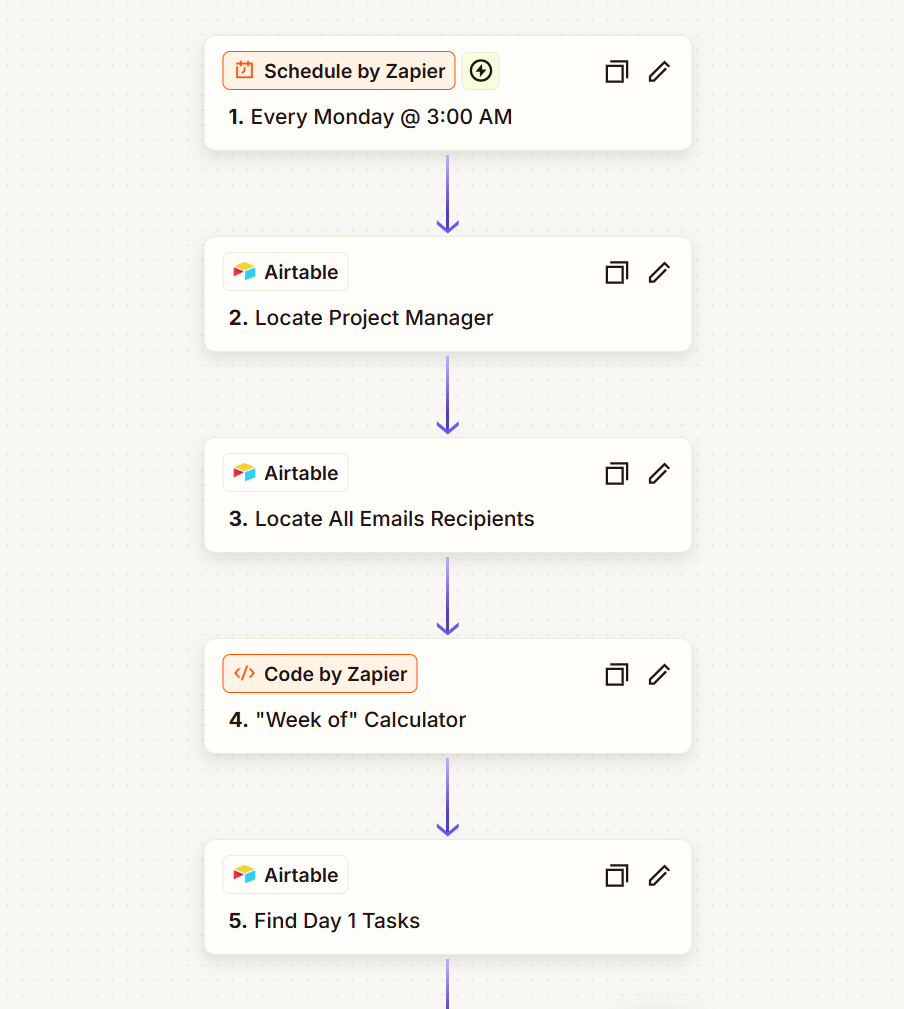
At 3 AM every Monday, after data preparation is complete, Zapier retrieves the structured Airtable records and generates formatted preview emails.
Zapier transforms the organized data into a preview draft of each digest using dynamic HTML templates, creating a layout identical to what audiences will receive.
These preview emails are then sent directly to the project managers responsible for each Focus or Main edition for initial review and approval.
-
Project managers review their assigned digest directly within Airtable:
They can edit task details, add notes, or exclude items that shouldn’t appear that week.
Once finalized, they trigger a deployment button in Airtable, which triggers a corresponding Zapier webhook to generate and send the finalized digest to its intended recipients.
After deployment, an automated Slack notification confirms the process is underway and alerts the designated group of project managers that their edition has been sent.
-
Automated delivery: Recipients receive the finalized digest directly in their inbox, displaying all upcoming deliverables in a clear, visual format.
Project managers, reviewers, and divisional leadership now have a centralized, reliable view of all deliverable activity across Development and Alumni Relations for the week.
Modular and scalable: The Airtable scripts, formulas, and Zapier automations can be easily adapted for other recurring email series, creating a flexible, sustainable framework for internal communications.
Technical Highlights
-
airtable scripting
Custom API integration with Teamwork to retrieve, standardize, and deduplicate live task data.
-
automated scheduling
Time-based triggers to generate and prepare all weekly digest editions.
-
Dynamic Filtering & Organization
Tasks are automatically sorted by project partner and milestone dates for accuracy and clarity.
-
Zapier Integration
Automates the creation and delivery of preview emails directly to project managers.
-
Scalable Logic
Conditional formatting, emojis, and grouping rules automatically adapt to new editions or deliverable types.
Airtable
Teamwork API
Zapier
JavaScript
Airtable Teamwork API Zapier JavaScript
Reflection
This project established a sustainable communication system that now serves as a central digest for weekly deliverable visibility. By automating how project data flows from Teamwork to Airtable to email, it ensures every team receives accurate, up-to-date information without relying on manual coordination or follow-ups. The framework was intentionally designed to scale, allowing new audiences, editions, or deliverable types to be added without re-scripting or redesigning the process. For us and our partners, Owls Eye View has strengthened collaboration and transparency across teams, giving leadership and project partners a shared understanding of workload, timing, and capacity each week.